- Developer
- MobilityWare
- Installs
- 100M+
- Downloads
- 0
- Views
- 2
- Updated
- Oct 25, 2026
Screenshots
About Solitaire - Classic Card Games
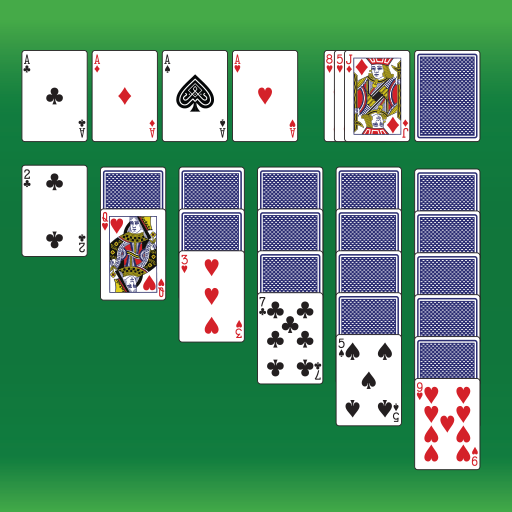
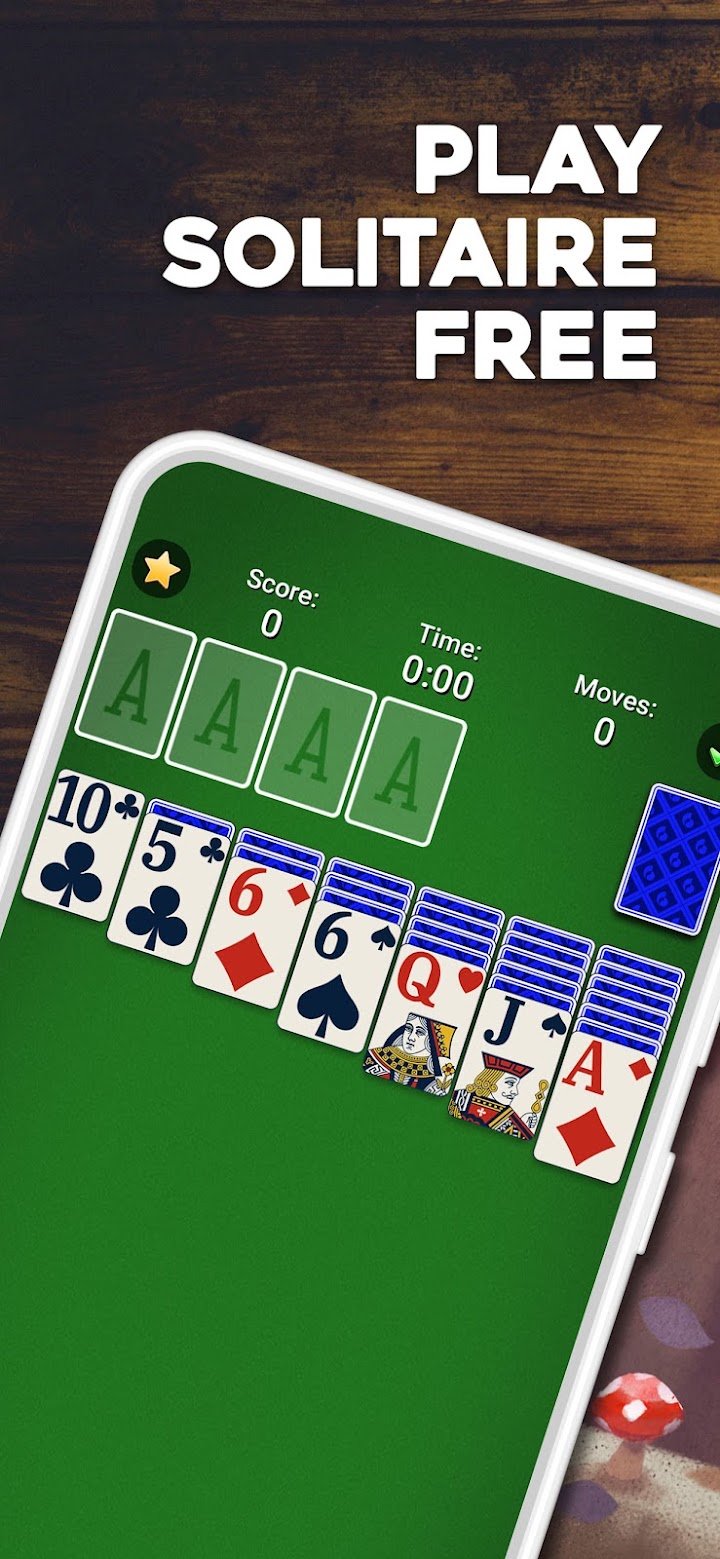
Solitaire is the card game that many of us first met on a desktop computer, and the MobilityWare version is a faithful, polished take on the classic Klondike layout. Seven columns of cards are dealt, some face down, and your aim is to move every card onto four foundation piles, building each suit in order from ace to king.
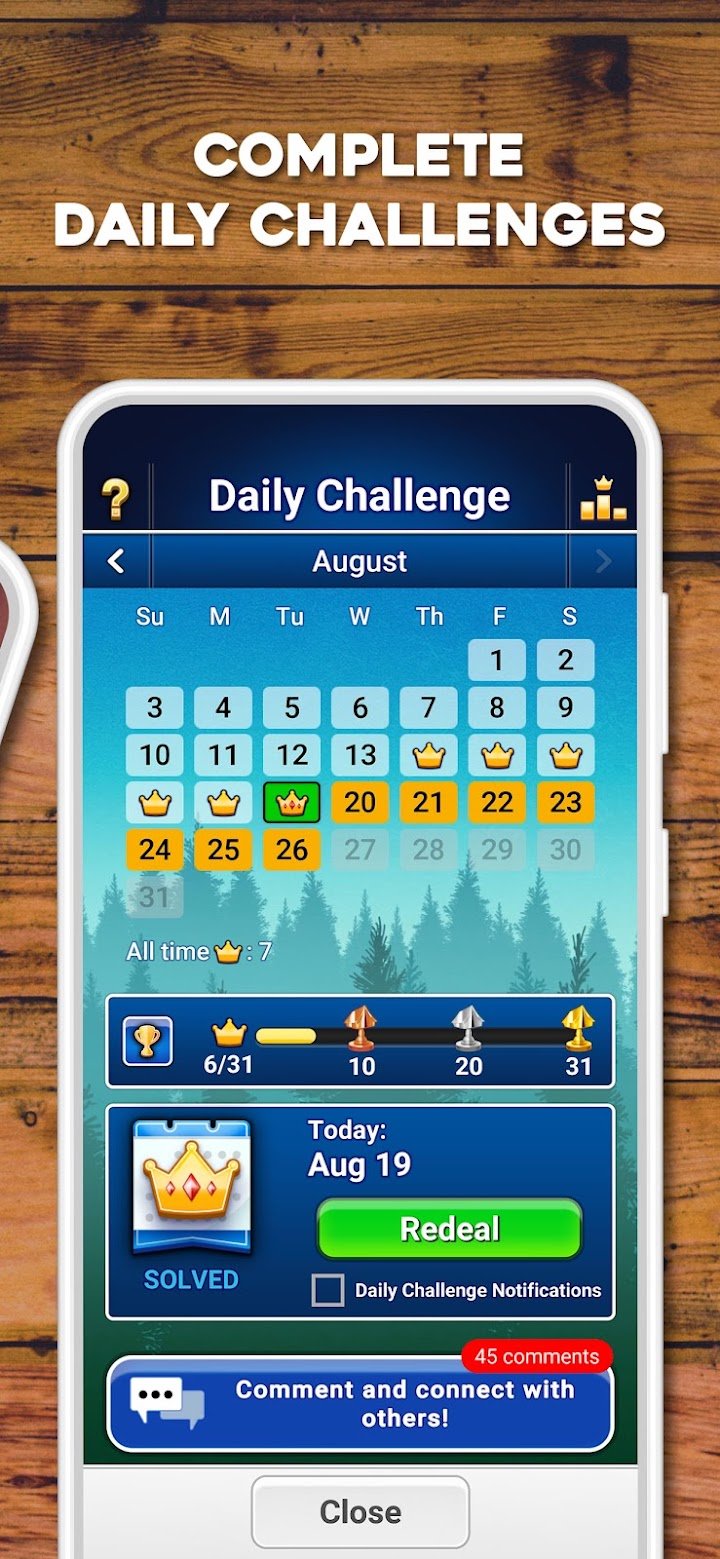
The app offers both Draw One and Draw Three. Draw One is relaxed, and most deals can be won with a little care. Draw Three is a real test, because you can only see every third card in the stock, so planning matters much more. There is also a Vegas scoring style for players who like a bit of added pressure, and a daily challenge that gives everyone the same shuffled deck for the day.
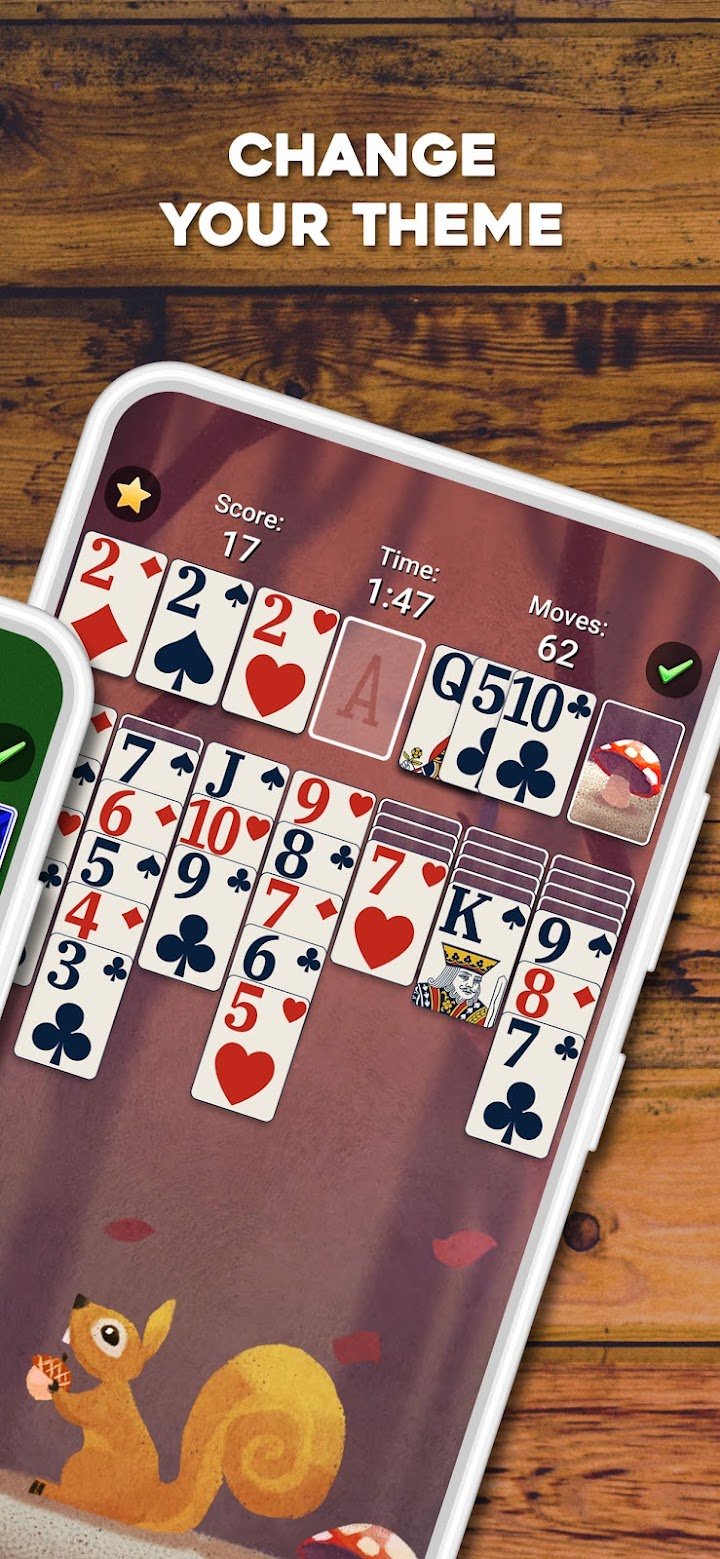
Helpful tools make the game comfortable. You can undo a move, get a hint when you are stuck, and let the game automatically finish once the remaining cards are obviously playable. You can also customise the card faces, backs and backgrounds, which sounds minor but makes long sessions much more pleasant. Because there are no opponents, nothing rushes you, so it works well as a way to unwind.
Good habits will improve your win rate. Always uncover face-down cards whenever you can, since each hidden card is a locked option. Prefer moves that free up an empty column, and only place a king there. Do not rush to send cards to the foundations early, because a low card on the tableau might be needed to hold a run in place. Think before you flip the stock, and look at the board once more.
For many people the biggest attraction is routine. A few deals before bed, a quick game on the train or a daily challenge with morning coffee all fit naturally. The app works offline, so it suits flights and areas with poor reception. It is free to download, shows ads and offers an optional subscription to remove them and unlock extras.
Solitaire also has a gentle health benefit that is easy to overlook. Because it is slow and quiet, it works as a pause between busy tasks. Many people use it to settle their mind before sleep or between meetings. Winning is satisfying, but even losing a hard deal feels fine, since nothing is at stake except pride.
If you want a calm, familiar card game with sensible tools and enough depth to stay interesting, this is a safe and satisfying pick for players of every age.