

- Developer
- WhatsApp LLC
- Installs
- 10B+
- Downloads
- 2
- Views
- 4
- Updated
- Oct 25, 2026
Screenshots
About WhatsApp
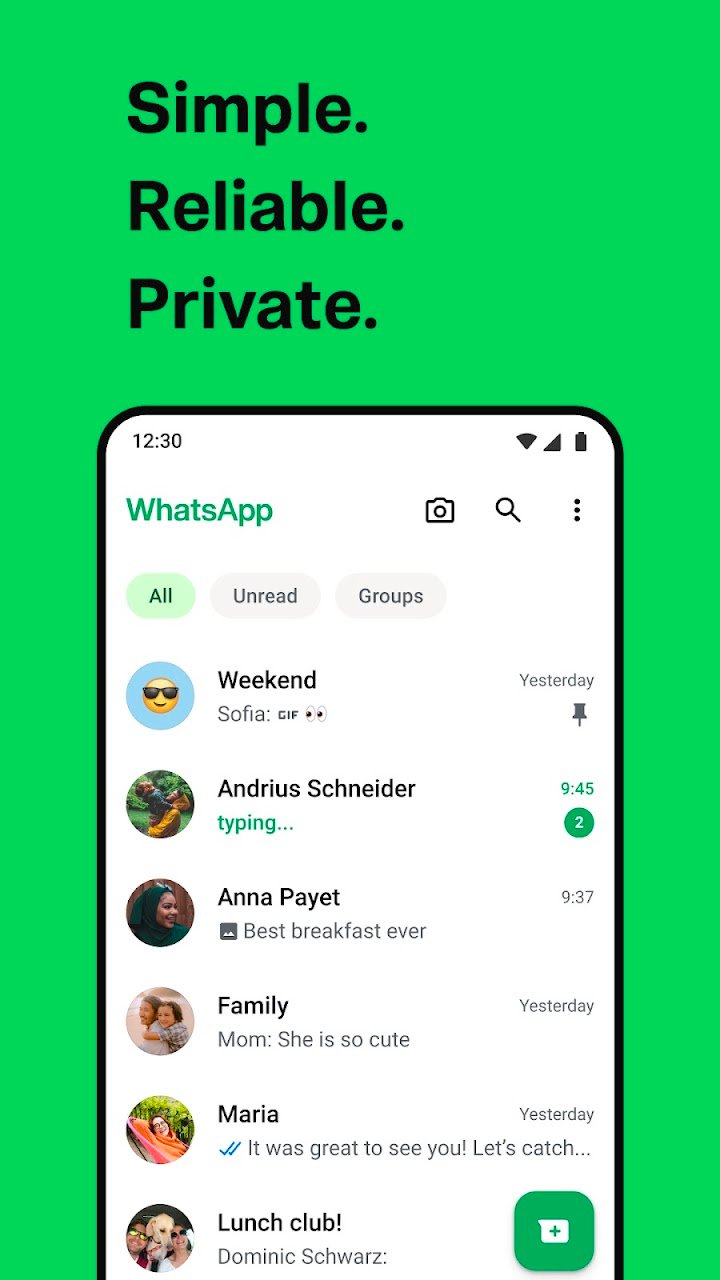
WhatsApp is a messaging and calling app that uses your phone number and an internet connection instead of traditional text messages or call minutes. You can send text, voice notes, photos, videos and documents to one person or to a group, and because it works over Wi-Fi or mobile data, it is a popular way to stay in touch with relatives who live in other cities or countries.
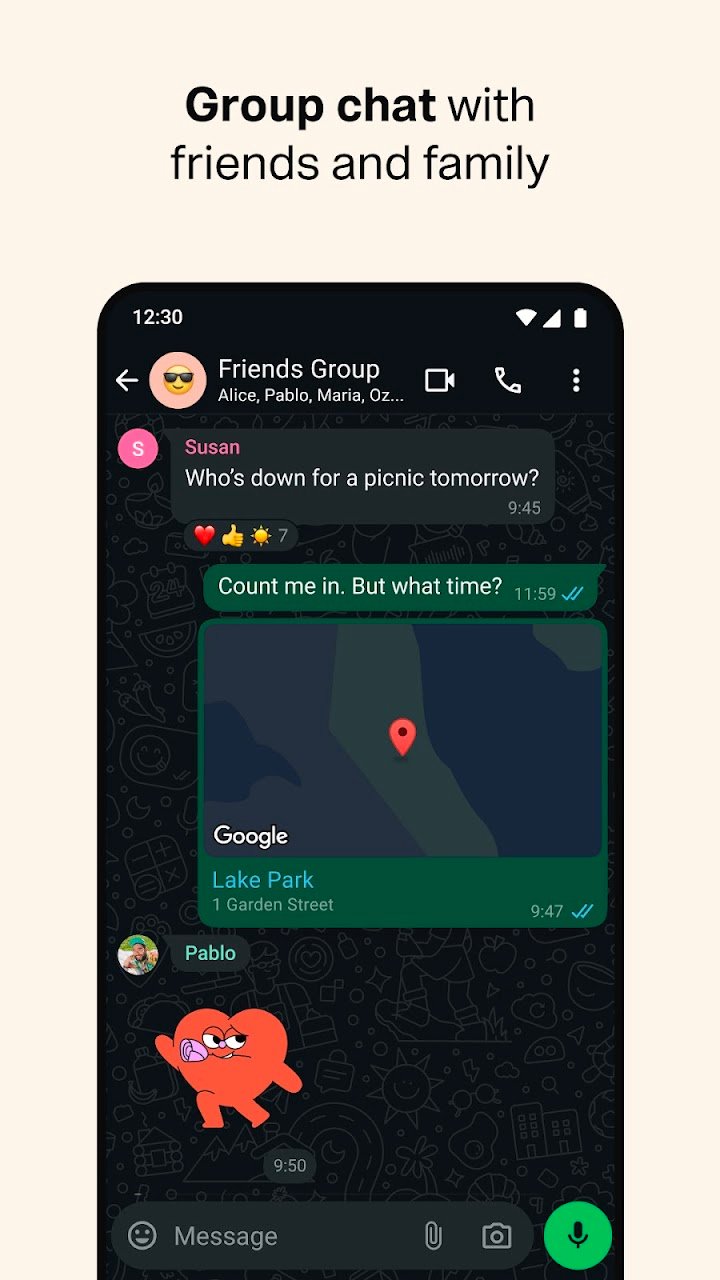
Setting it up is simple. You verify your number, allow access to your contacts if you want the app to show which of them already use it, and you can start chatting straight away. Messages show small tick marks so that you can tell whether they were sent, delivered and read. Groups are useful for families, classes, offices and neighbourhood committees, and an admin can control who is allowed to post and who can change the group's name or picture.
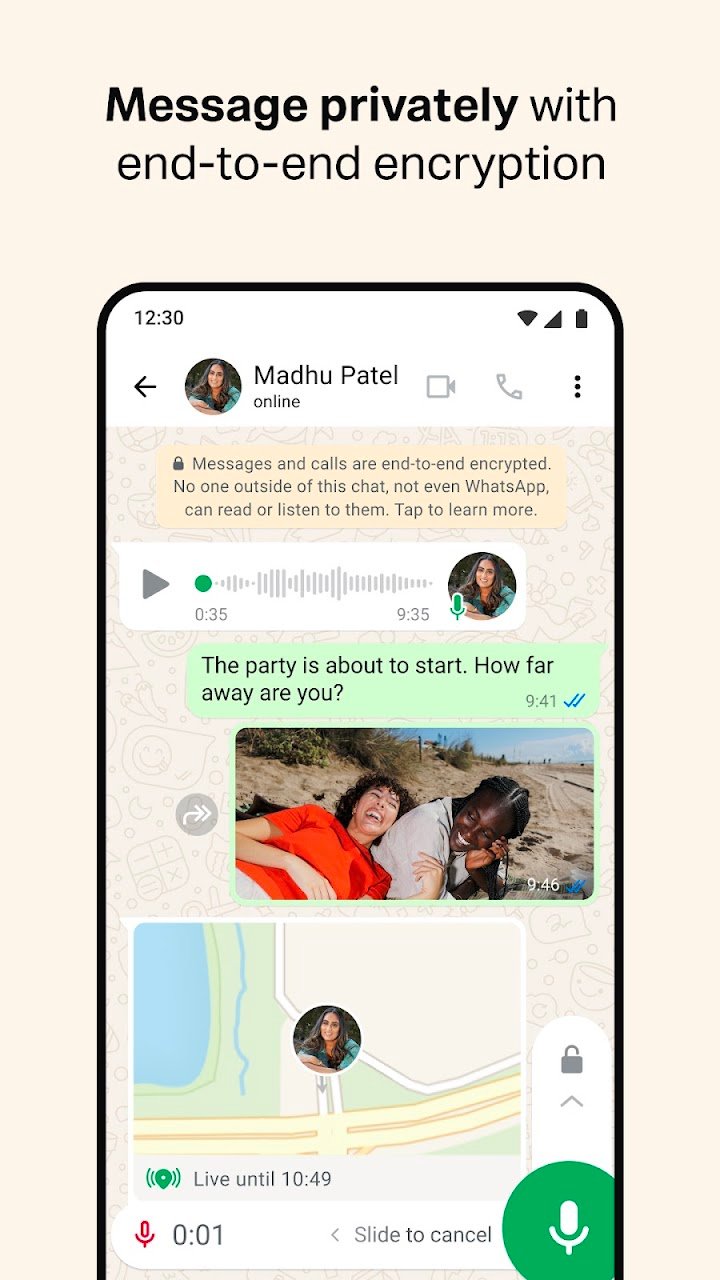
Privacy is one of its main selling points. Personal chats and calls are protected with end-to-end encryption, which means that, in principle, only the people in the conversation can read or hear them. You can also decide who sees your profile photo, last-seen time and status, and you can turn on a lock so the app asks for a fingerprint or face check before it opens. Disappearing messages are another option for conversations that you do not want to keep forever.
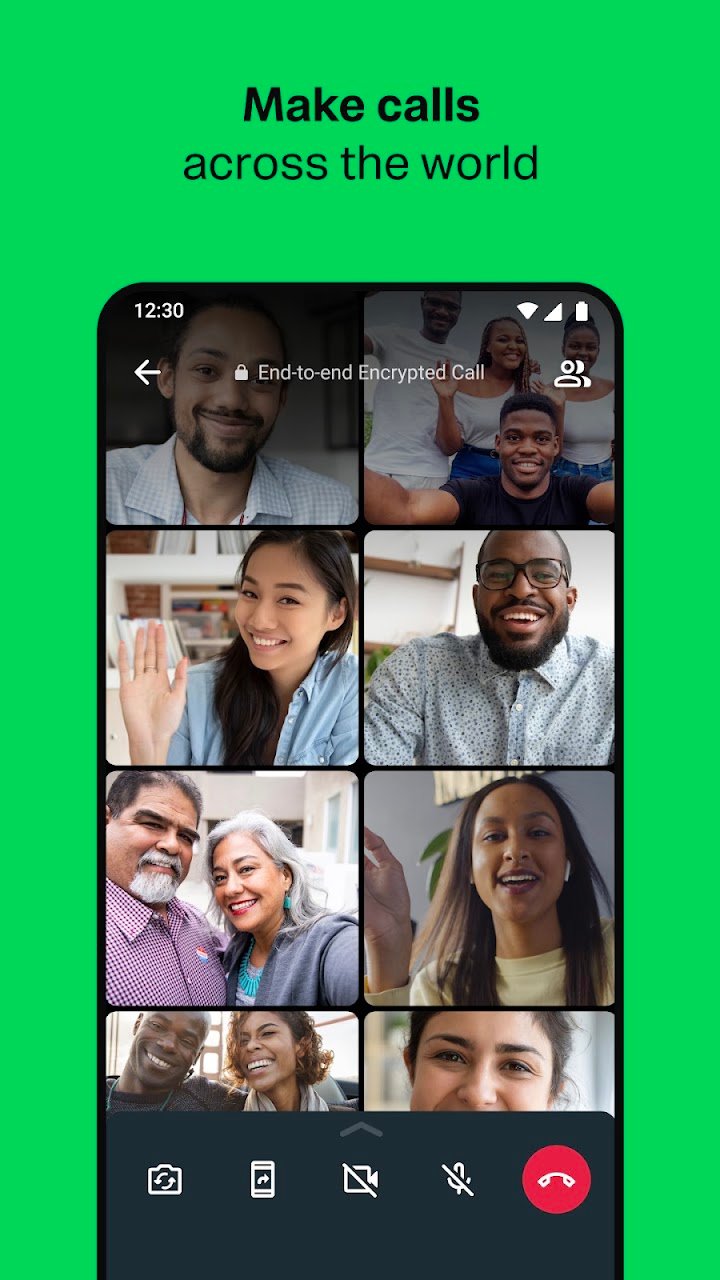
Beyond chatting, the app offers voice and video calls, including group calls, and a status feature that shares photos or short clips for twenty-four hours. Businesses also use it to answer customers, which is why you may see verified business accounts with catalogues and quick replies. These features are optional, so you can keep your use as simple as you like.
A few habits make the experience safer and more comfortable. Be careful with messages that ask for money, passwords or one-time codes, even if they appear to come from a friend, because scammers often copy familiar names. Use the report and block options when you meet unwanted contacts. Check your storage from time to time, since photos and videos in busy groups can fill a phone quickly, and the app has a tool for clearing large files.
The app is free to download, and calls and messages use your data plan or Wi-Fi. It runs on most Android phones, although very old versions of Android are no longer supported, so it is worth checking compatibility on the store page.
If you want a simple, dependable way to keep in touch with family and friends, it is easy to set up and use.