

- Developer
- Installs
- 1B+
- Downloads
- 0
- Views
- 2
- Updated
- Oct 25, 2026
Screenshots



About Pinterest
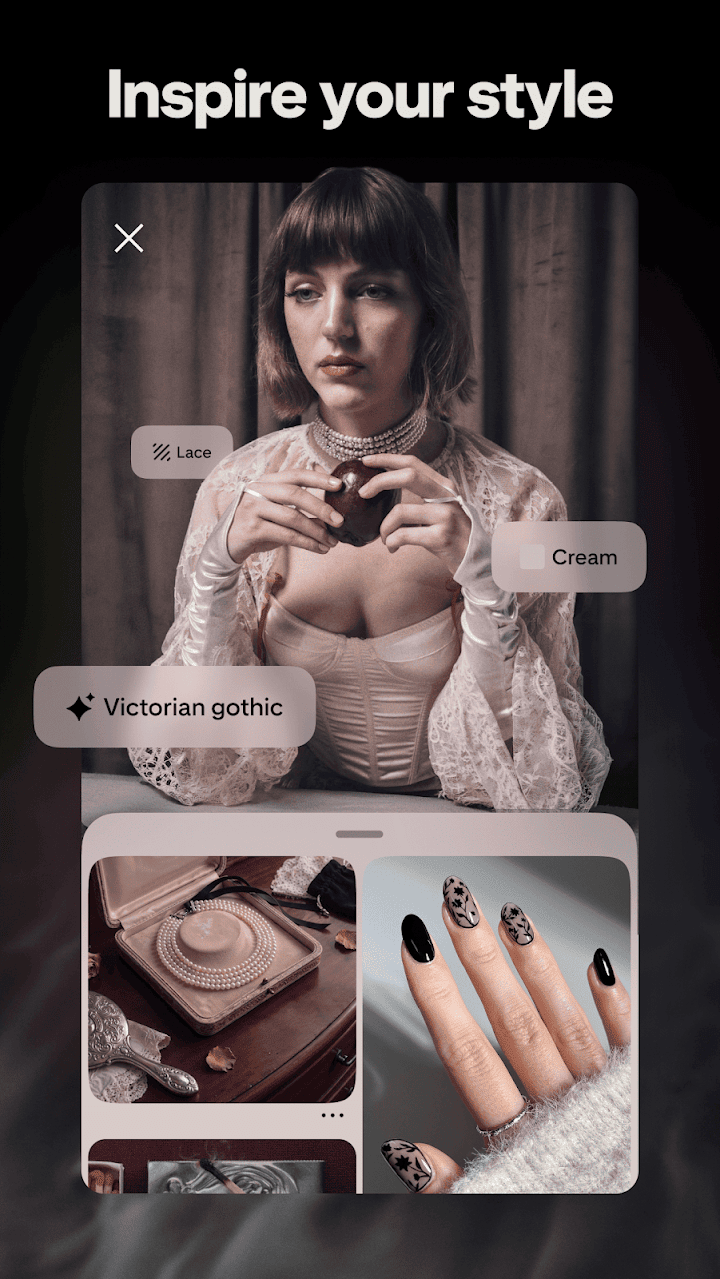
Pinterest is a visual discovery app where people collect ideas as pictures. You search for a topic, such as a recipe, a room makeover or a festival outfit, and the app shows a grid of images that you can save to your own boards. Over time, those boards become a personal scrapbook, and the app uses what you save to suggest more things you might like.
The basic action is pinning. When you tap save on an image, it is added to a board of your choice, and tapping through takes you to the website that created it, where you may find instructions, a shopping link or a full article. This makes the app a useful starting point for planning projects, since you can gather inspiration first and look for details afterwards.
Boards can be public, private or shared with friends and family. A group of people planning a wedding, a trip or a classroom display can add ideas to one board, comment on them and keep everything together. Collages and tools for putting images side by side help people experiment with colours and layouts before spending any money.
Search is quite flexible. Filters can narrow results by colour, skin tone, hair type or body shape in some categories, and there are guides for topics such as home decor, fashion, food and crafts. Short videos and idea pins from creators show how things are made, and you can follow people whose style you enjoy.
As with any social platform, a few habits are helpful. Check the source before clicking through, especially when an image links to an online shop you do not recognise. Read the privacy options, decide whether your boards should be public, and use the settings to control the topics you see. If you are using it for shopping inspiration, compare prices and read reviews on the shop's own page.
Teachers, parents and small creators often use it as a quiet research tool, because a single board can hold lesson ideas, craft projects or product inspiration. Keeping boards tidy, with clear names and a few well-chosen sections, makes it much easier to find an idea again months later.
The app is free to use and supported by advertising. It runs well on most Android phones and uses a fair amount of data when you browse many images, so Wi-Fi is a good idea for long sessions.
If you like collecting inspiration before starting a project, it is a pleasant and well-organised way to plan.