

- Developer
- Google LLC
- Installs
- 10B+
- Downloads
- 0
- Views
- 6
- Updated
- Oct 25, 2026
Screenshots
About Google Maps
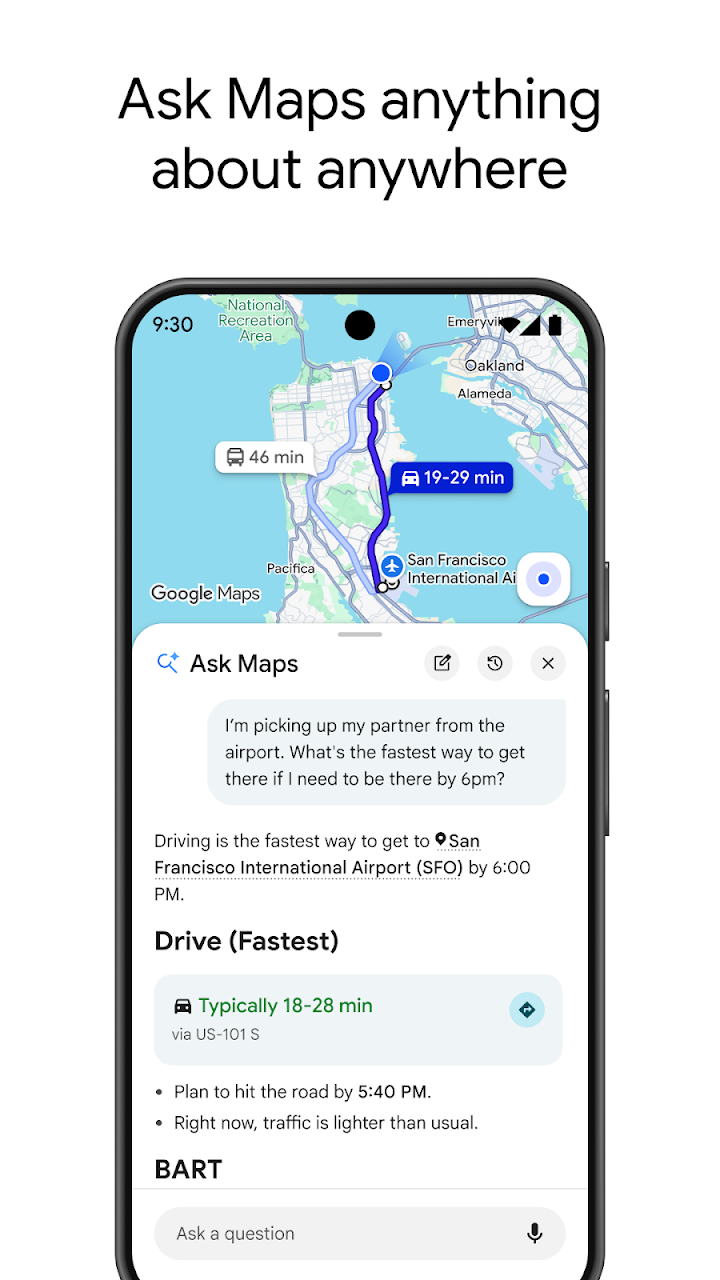
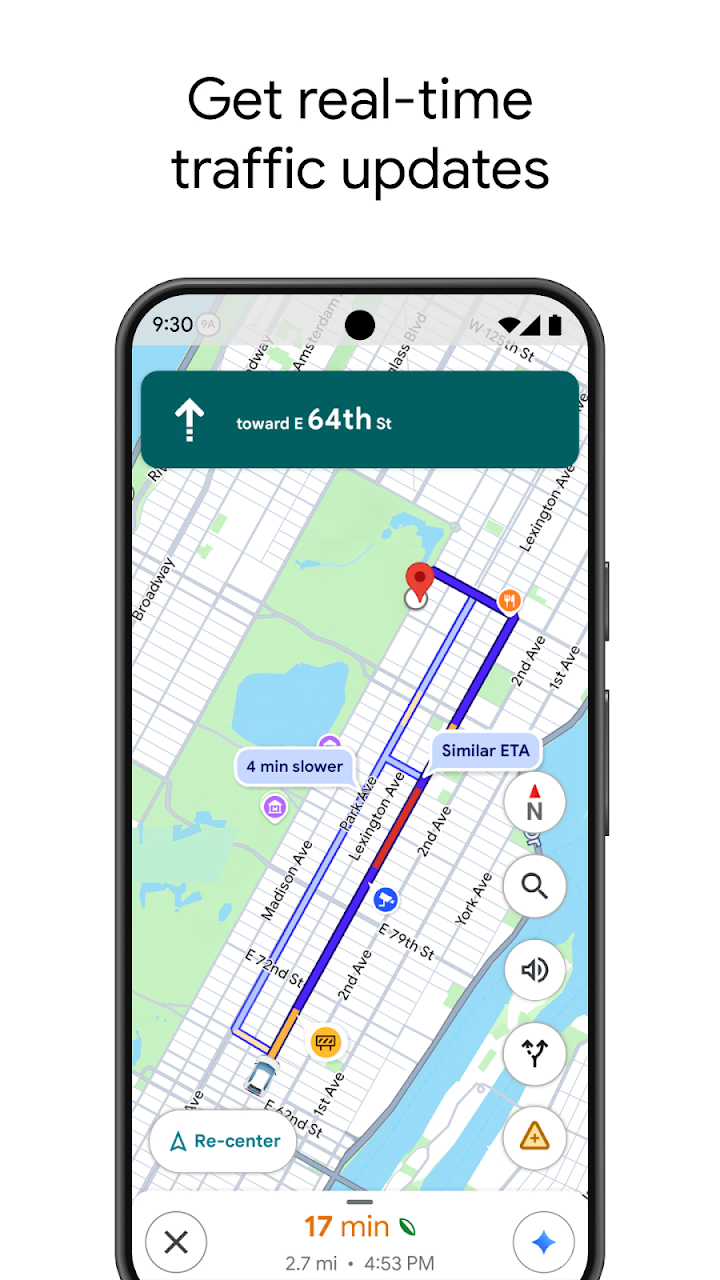
Google Maps is a navigation and discovery app that helps you find places, plan routes and see what is around you. You can search for an address, a shop, a hospital or a restaurant, and the app shows the way by car, motorbike, public transport, bicycle or on foot. Live traffic information helps you choose faster routes, and estimated arrival times update as conditions change.
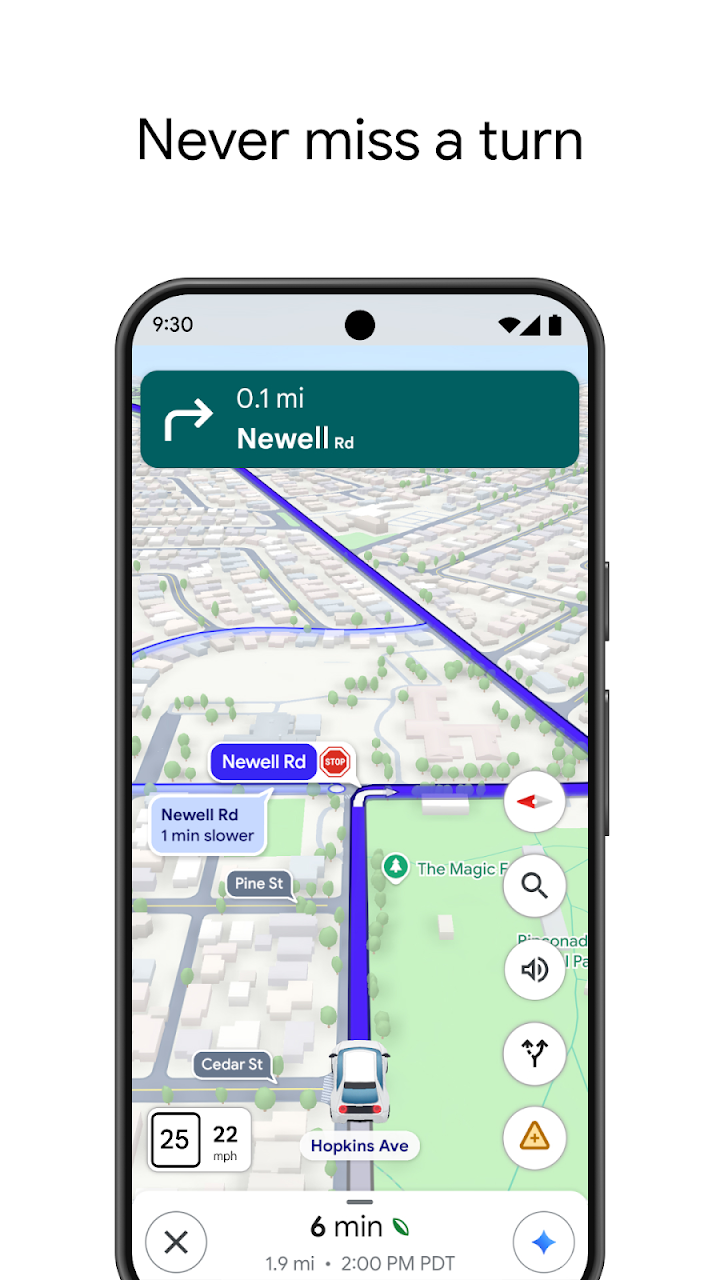
Turn-by-turn directions are spoken aloud, so you can keep your eyes on the road. If a route is blocked or slow, the app can suggest alternatives. For public transport, it shows bus and train timings in many cities, with walking directions to and from the stops. In places where coverage is good, you can also see lane guidance and speed limits, which are useful on unfamiliar roads.
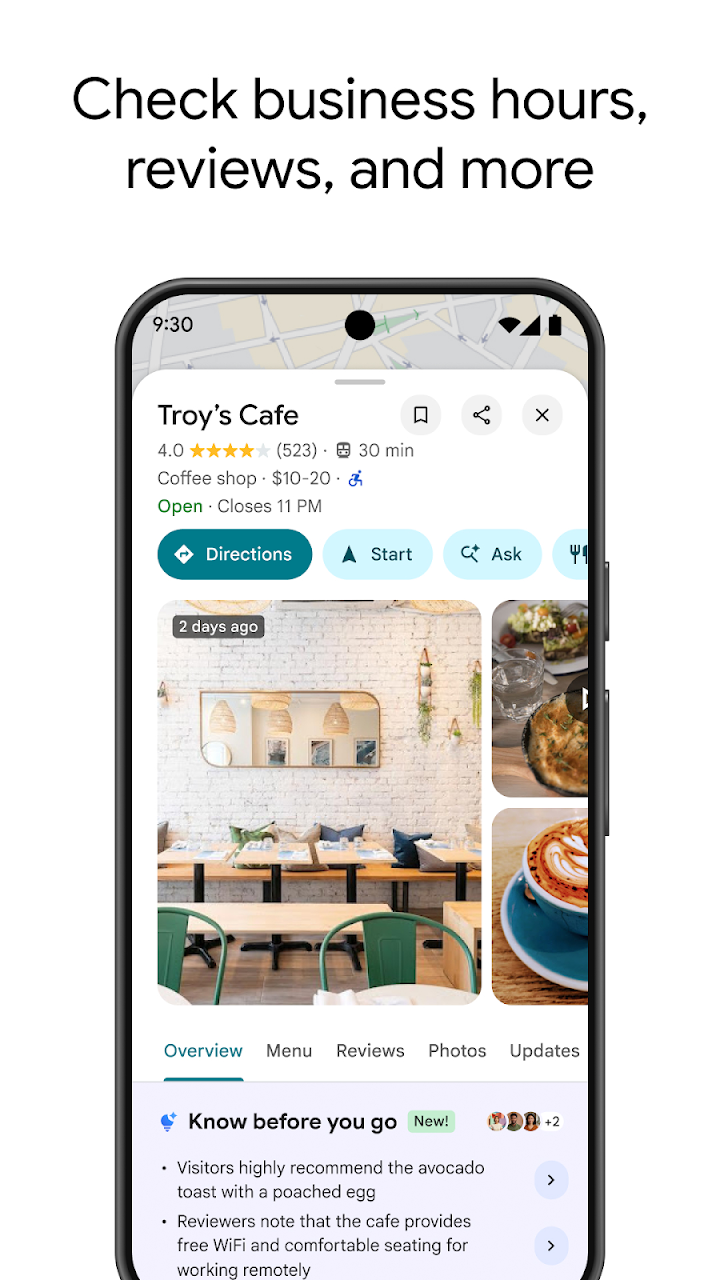
Discovery features are just as useful. Each place has photos, opening hours, contact details and reviews from other users, which makes it easier to choose a restaurant, a pharmacy or a petrol station. You can save places to lists, such as favourites or want-to-go, and share your live location with trusted people for a limited time when you are travelling.
Offline maps are a lifesaver in areas with weak signal. You can download a region while you have Wi-Fi, and later use it for navigation and search without mobile data, although some features, such as live traffic, need a connection. Street View lets you look at a place before you arrive, which helps when you are trying to find an entrance or a landmark.
For safety and privacy, review your location settings and location history options, and be careful with the people you share your location with. When driving, set your route before you start and avoid touching the phone while moving. Remember that map data can occasionally be out of date, so treat unusual instructions with common sense.
Local business owners can also benefit, because a well-kept profile with correct hours and photos helps customers find them. If you ever notice wrong information about a place, the app lets you suggest an edit, and those contributions are one reason the data stays useful for everyone.
The app is free to use, comes pre-installed on many Android phones and works best with a GPS signal and a data connection.
If you travel, commute or just look for places nearby, it is one of the most practical apps you can have.