
- Developer
- Meta Platforms, Inc.
- Installs
- 10B+
- Downloads
- 0
- Views
- 4
- Updated
- Oct 25, 2026
Screenshots

About Facebook
Facebook is one of the largest social networks in the world, and its Android app puts the whole service in your pocket. You can share updates and photos, follow friends, family and pages that interest you, join groups built around hobbies or neighbourhoods, and message people directly, all from one place.
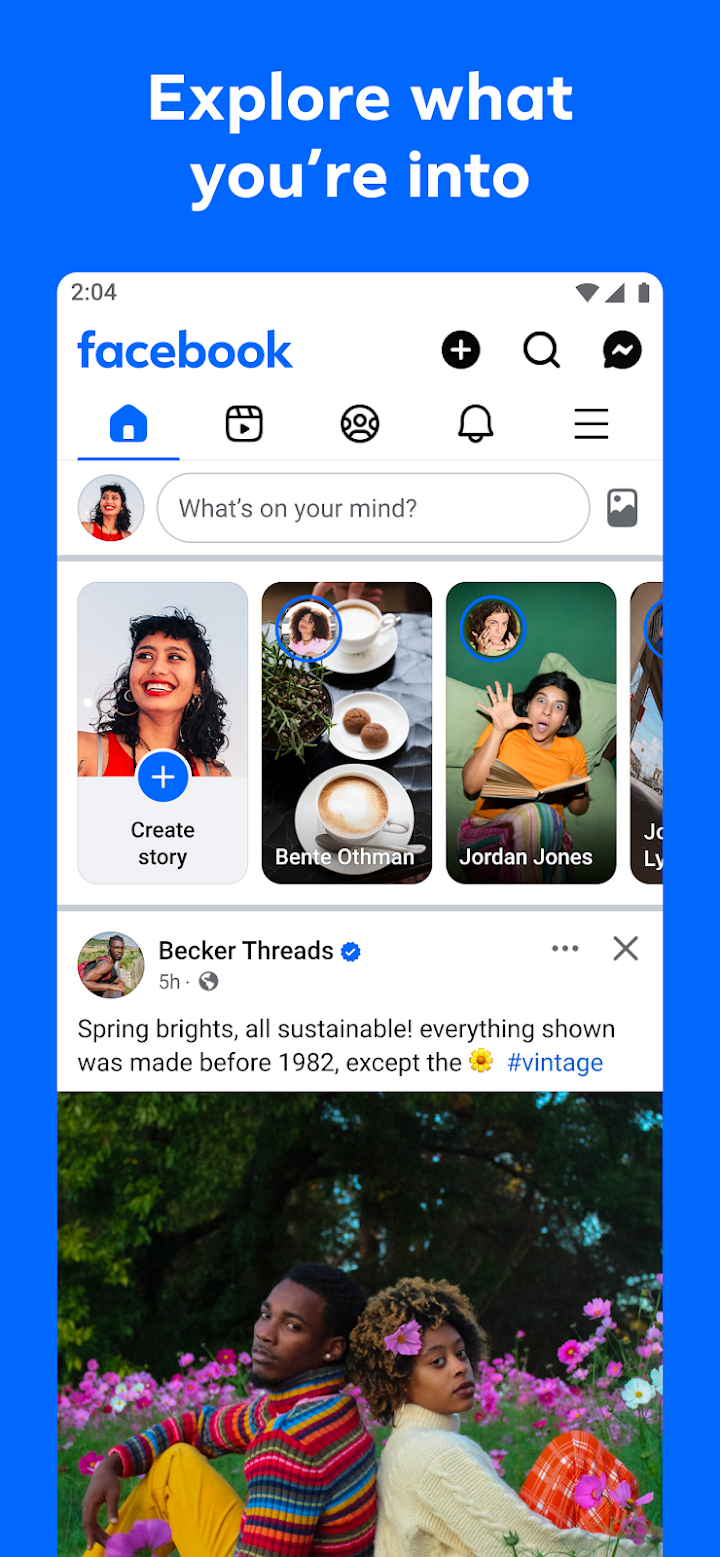
The home feed is where most people spend their time. It mixes posts from people you know with pages and groups you follow, and the app also suggests new content based on your activity. You can react with a like or another emoji, comment, share to your own timeline or send something privately to a friend. Stories, which disappear after a day, and short videos called reels are also part of the feed.
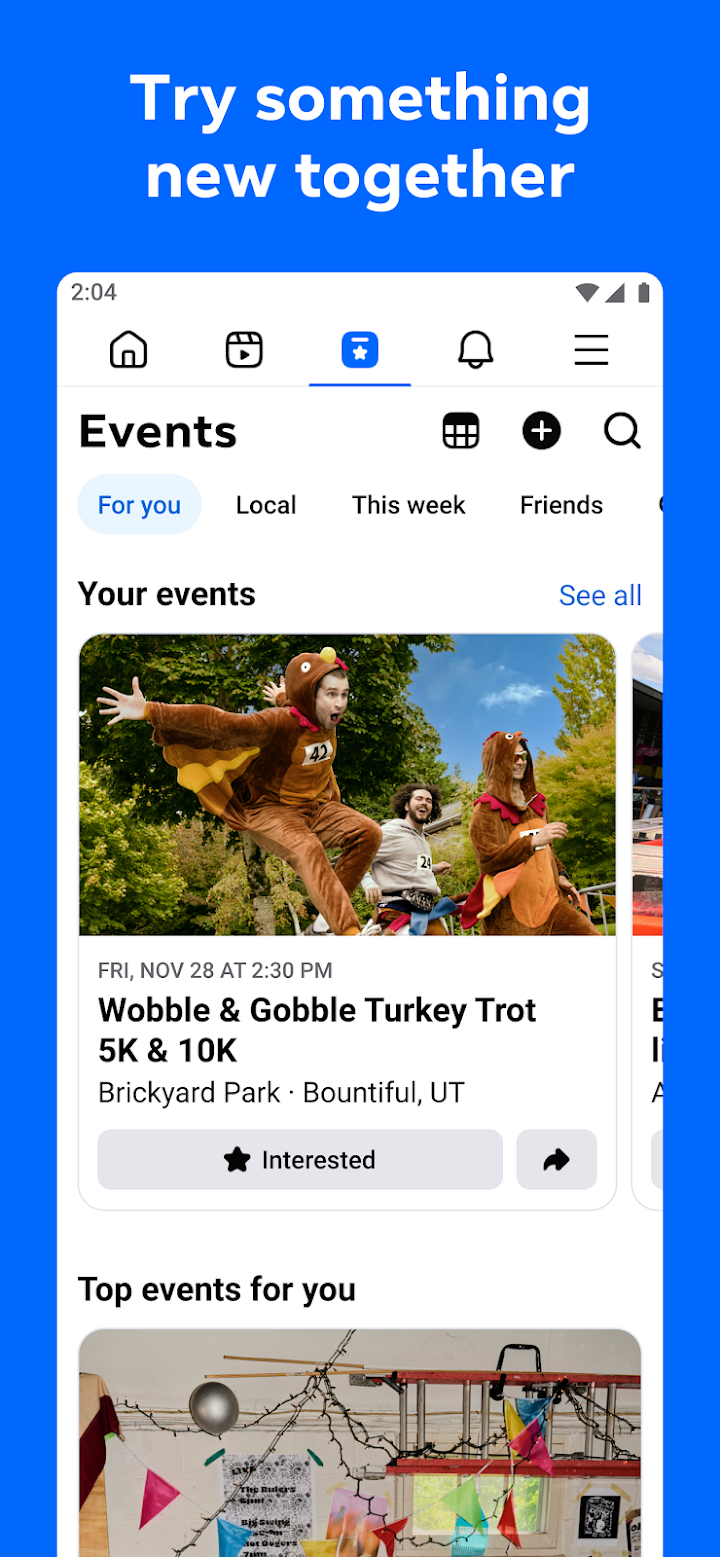
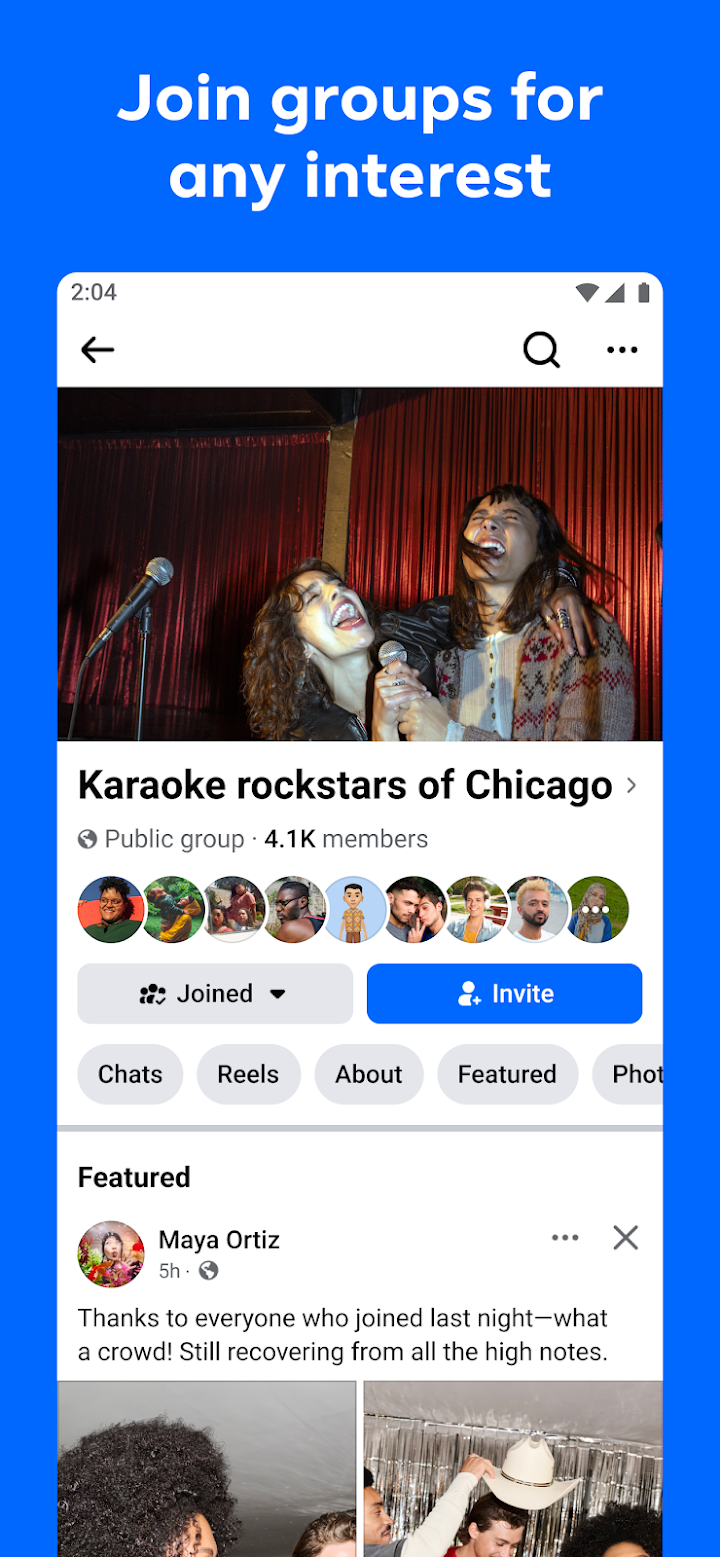
Groups and events are, for many users, the most useful part. Local buying and selling groups, school alumni circles, parenting communities and hobby clubs are all organised there, and events make it simple to invite people, track replies and send reminders. A marketplace section lets you browse items for sale nearby, although you should always meet in a public place and avoid paying in advance to someone you do not know.
Privacy settings deserve a few minutes of attention. You can choose who sees each post, review the apps that have access to your account and limit who can find you by phone number or email. The privacy check-up tool walks you through the most important options, and turning on two-factor authentication adds protection if someone learns your password.
As with any social platform, a little caution helps. Treat unexpected friend requests, links that promise prizes and urgent messages from unknown accounts with suspicion. Remember that public posts can be seen by many people, and that time on a feed passes quickly, so you may want to use the screen-time reminders that the app offers.
Many people use it mainly for messaging and groups rather than scrolling the feed, and the app lets you tune notifications so that it does not interrupt you all day. Taking a few minutes to unfollow pages you no longer enjoy keeps the feed pleasant and the time you spend more intentional.
The app is free, with advertising supporting the service. It needs a reasonable amount of storage and a stable connection for video, and it is available for most modern Android devices.
If you like keeping up with friends, local groups and communities in one place, it is a familiar and full-featured option.